It's Sunday afternoon after a glorious holiday. You tell yourself you won't look at your work phone or laptop. You've even scheduled an hour first thing Monday to get yourself back up to speed before the day starts. Then you make the mistake of turning your phone over and spot an urgent meeting invite at 9am for your first day back. And whoosh, before you know it your laptop's open and you're working your last evening of holiday so you can walk into that meeting prepared.
If that sounds familiar, you're not unusual. A 2025 survey of 2,580 UK professionals by Robert Walters found that 78% feel anxious about returning from leave. Only 15% described themselves as genuinely refreshed. The rest were already back at work before the holiday was technically over.
The mathematics of a two-week absence make the anxiety entirely rational. Microsoft's 2025 Work Trend Index, drawing on data from 31,000 workers, puts the average knowledge worker's daily incoming volume at around 117 emails and 153 messages across communication tools. Two weeks away means returning to roughly 1,170 emails and over 1,500 messages; and that's before you account for the project boards that moved on, the decisions made without you and the meetings you weren't in. Atlassian's State of Teams research puts the proportion of the working week lost to searching for information at 25%. The backlog isn't just volume. It's the cognitive weight of not knowing what you've missed, what it means and what's waiting for you.
Most of us accept this as the cost of taking time off. The pre-emptive Sunday scroll, the working last day of holiday, the 6am inbox check on the first day back: these have become so normalised they barely register as a problem anymore. They've started to feel like professionalism.
There's a better way to approach it, and it doesn't require you to be a technologist to try it.
Nobody's an expert, and that's worth remembering
When it comes to AI, no one is truly an expert. How could there be? The platforms evolve daily, the products themselves are being built by teams who are figuring it out as they go. There are no stable product roadmaps; there are directions of travel and daily iterations. If someone tells you they're an AI expert, it's worth asking what, exactly, they're claiming expertise in, because whatever was true last month may well have shifted.
I spend most of my working days thinking about AI and helping people with it, and I don't describe myself as an expert. What I know today will be different to what I know tomorrow.
This matters because it changes where you should start. A lot of AI guidance is aimed at technologists, or people who at least see themselves as comfortable with technology. The reality is that AI is relevant to everyone, and the people who often get the most from it are the ones who would never have described themselves as techies. The entry point isn't technical fluency. It's a problem you already have.
The return-to-work backlog is a good problem to start with. It's specific, it's recurring, it happens on a predictable schedule and the goal is clear: you need to know what requires your attention today, what can wait until later in the week, what was resolved without you and what's just context. That's a brief. And a clear brief, it turns out, is exactly what AI is good at.
Here's what I'd actually do
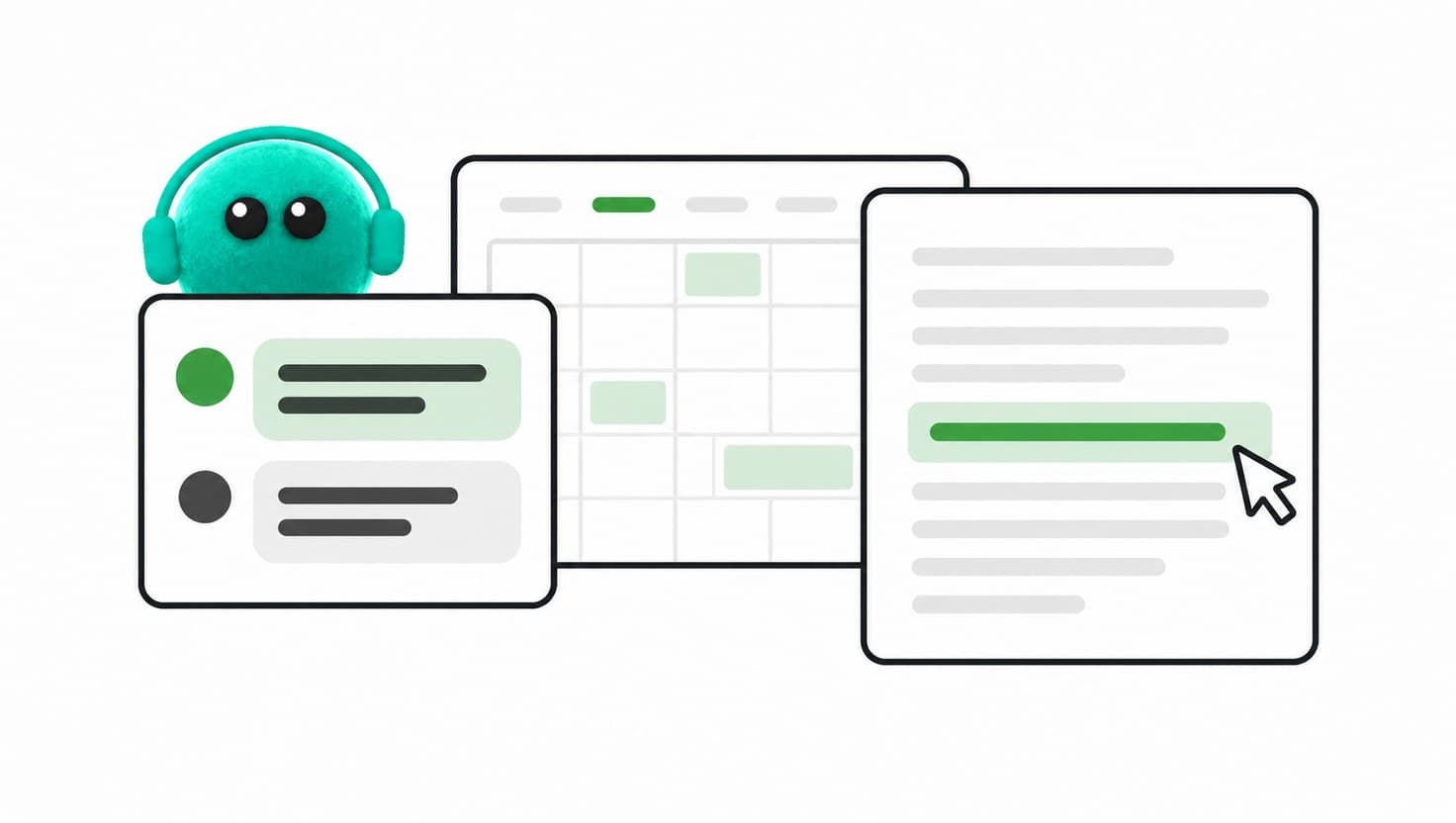
Before you do anything else, check what connections are available to you. Most AI tools, Claude, ChatGPT, Microsoft Copilot, Gemini, support integrations with the platforms you already use: your email, your shared drives (whether that's Google Drive , SharePoint or OneDrive), your communication channels like Slack or Teams, and your project management tools like Asana, Trello or similar. If those connections are available and you haven't set them up, this is the moment to do it. A connected tool can scan across all of those sources and give you a genuinely useful picture of what happened while you were away.
If you don't have those connections set up yet, or you're not sure how, don't stop there. Copy and paste works as a starting point. Pull your unread email subjects into a document, screenshot your Slack notifications, paste in your calendar for the week ahead. It's more manual, but the principle is the same.
Once you've got your sources ready, open a new chat and give it a prompt along these lines:
I've just returned from [X days/weeks] away. I want to get oriented before I open my inbox properly. Here's what came in while I was away: [paste your summary]. Please give me a prioritised picture of: what needs my attention today; what can wait until later this week; what appears to have been resolved without me; and what's useful context but doesn't need action. For each item, tell me briefly why you've put it in that category, so I can agree with your reasoning or push back on it.
The four categories matter. Act today, review this week, resolved without you and context only: that structure forces the tool to do the triage rather than just hand you back a longer version of the pile you started with. What you're aiming for is compressing re-entry to under 30 minutes of focussed reading, rather than two days of anxious scrolling and a week regretting taking the time off in the first place.
One more thing worth knowing: you can codify your AI tools to adapt their approach depending on the kind of absence you've taken. A return from sick leave warrants a softer, smaller digest. A return from a longer sabbatical or parental leave might include broader context about what's changed strategically while you were away. If the tool you're using supports that kind of nuance, tell it what kind of leave you're returning from. If it doesn't ask, you can still tell it and it will usually adjust.
It probably won't be perfect the first time, and that's fine
Be honest with yourself about this: AI has a lot of variables. If you didn't put in quite the right context, or a connection didn't work as expected or you forgot to include something that turned out to be critical, the output is going to miss things. That's not a failure of the tool or a failure on your part; it's just the reality of how this works. The context you give it shapes everything it produces.
If something important got missed, the most useful thing you can do is run a quick retro with the chat itself. Ask it: "You didn't surface X. Why do you think that was, and what would I need to add next time to make sure it comes through?" That conversation is often more valuable than the original digest, because it tells you specifically what context was missing and gives you something concrete to do differently next time.
The first time you try this you're building a benchmark. You'll come away knowing whether the approach worked, what it missed and what you'd change. That's genuinely useful information, and it's information you can only get by trying it once.
Where else do you have dread?
If the return-to-work prompt worked, even partially, the interesting question isn't which AI tool is best for inbox management. It's where else in your working life you have a recurring task that produces a feeling you'd rather not have.
The weekly report nobody reads but everyone still writes. The end-of-month admin that sits at the bottom of the to-do list for three weeks. The meeting prep you always leave too late. These aren't AI transformation projects. They're ten-minute experiments with a clear brief and an honest assessment at the end.
Most people's relationship with AI gets stuck because they approach it as a technology to learn rather than a set of problems to apply it to. Starting with the return-to-work backlog works precisely because the problem is concrete, the goal is specific and the stakes of getting it slightly wrong on the first attempt are low. That's the right environment to learn in.
The question "where else do you have dread?" is a genuinely useful one to sit with. Not because AI will solve everything, but because the answer will tell you where to look next.
Half term ends this week for most of England. If Monday morning already has a weight to it, try the prompt above before you open your inbox. It won't take long, and you'll know quickly whether it's useful. That's all the information you need to decide whether it's worth doing again.
Want to build something like this for your team? KINTAL works with creative businesses and agencies on practical AI adoption that starts with real problems, not the technology. Get in touch.
A note on how this was made: research was sourced and validated via Perplexity Deep Research and checked against primary sources. Claude was used for drafting. The framing, the position, the editorial judgement and every significant decision along the way were mine. ChatGPT was used to generate the image and metadata.