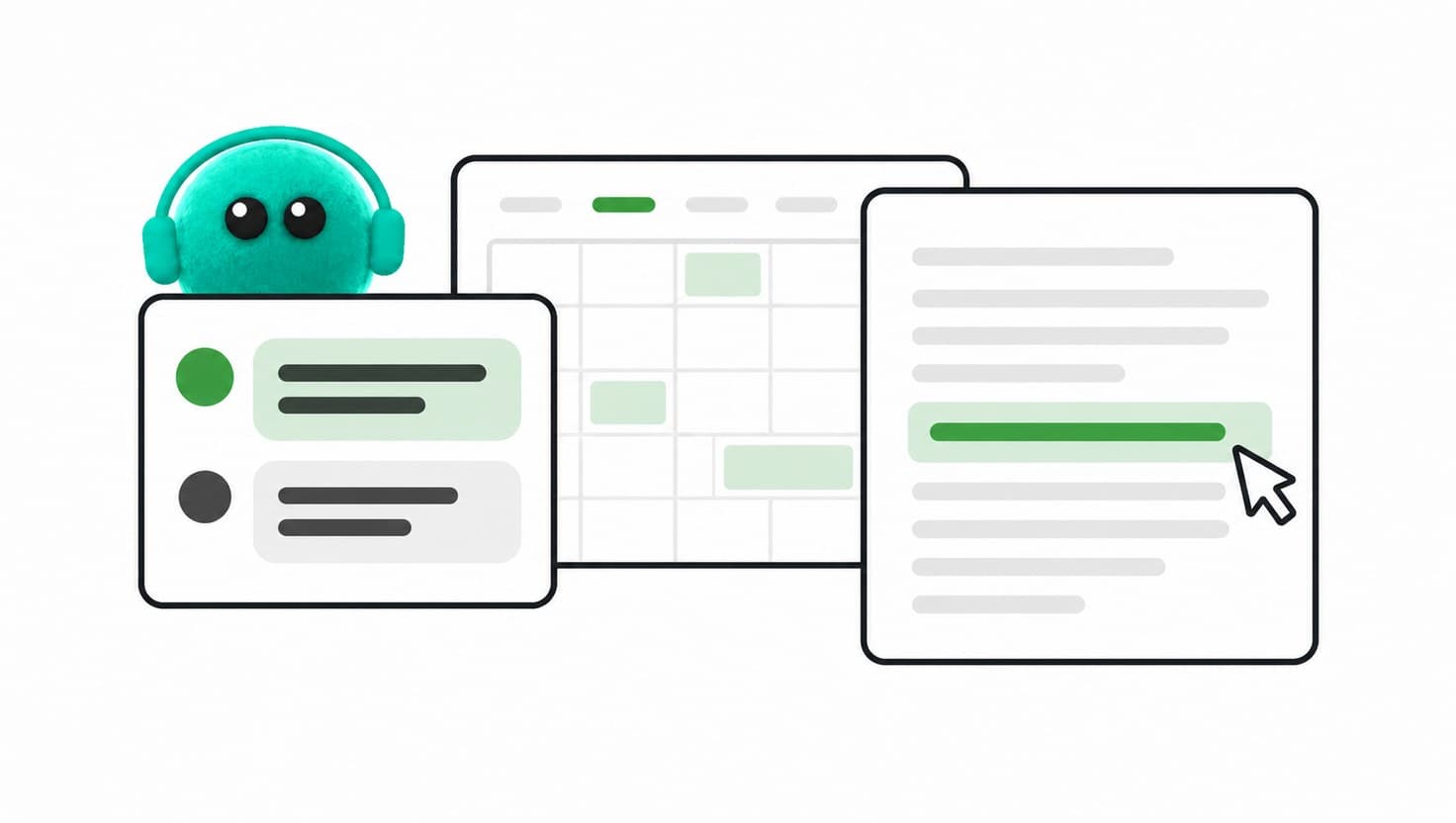
I expected something like a glorified version of ChatGPT Work. A couple of days with my dot has surprised me: useful preparation while I get on with life, several tasks moving at once and a phone conversation that changes how I work.
This morning, I asked KORA, what I've called my dot, to review my calendar, tasks and email while I had a shower, got ready and had breakfast. When I came back, the pack was ready. I'd normally spend about 30 to 45 minutes pulling everything together myself. Instead, I could start the day knowing what needed my attention.
It brought together commitments and meeting preparation, checking what was still live against work that had already been answered or completed. KORA checked all the software and tools I use, so I didn't have to. My day was planned without me having to do a single thing.
That accelerated start is valuable. I can see the potential for some neurodivergent people who find a pile of competing demands overwhelming, or anyone with a busy day and too much to hold in their head. Having a useful starting point can make getting going feel much easier.
What is a dot?
OpenAI has just rolled out dots, always-on helpers in ChatGPT that keep moving things along even when you're not looking. They tap into all your connected apps and get their own little cloud computer and browser. You can give them a goal and check back later to see what they've done.
You can also step into a dot's computer yourself. In the ChatGPT desktop app, I can take control of KORA's desktop, work in it directly and return control when I'm done. What surprised me was what's already installed: Blender, GIMP, Inkscape, Kdenlive and Godot sit alongside engineering and mapping tools such as FreeCAD, KiCad and QGIS, plus Solitaire, for reasons I can't explain. For anyone in the creative industries, that's quite a toolkit. I'm curious whether it hints at the kind of work OpenAI expects dots to take on.
I've called mine KORA. I initially wondered how much it would add to the tools I already use. Within a couple of days, I've found parts of the experience genuinely useful and even enjoyable.
Dots is also part of a wider shift. Meta's Muse is another new personal agent, currently available in the US and Canada, and Meta has said it wants Muse to work with small businesses too. It will be interesting to see how people exploring these tools compare their experiences.
I can keep talking while I work
I already use Wispr Flow to keep talking through ideas and feedback while moving between tools and documents. That has been a game changer for me, so talking instead of typing isn't new.
With KORA, there's a two-way conversation about the work I'm asking it to do. That adds something to a habit I've already developed.
The first call gave me the unexpected feeling of picking up the phone to a colleague. I hadn't anticipated how much the conversation with my dot would change the way I delegated. I could talk through what I was trying to achieve, rather than stop to turn every thought into a written brief or prompt. It has even made me wonder whether dots could take over some of the functionality I personally use Wispr Flow for.
Several pieces of work, one place to return to
I can fire off several tasks, open separate chats to look at particular pieces of work and keep an eye on what's happening from one central place. Compared with how I've been using ChatGPT, the work feels more connected.
That doesn't mean I'm assuming access to every conversation or perfect recall; in fact, in just two days I've spotted quite a few dropped items. The useful experience is being able to return to work already in progress without feeling that I have to reconstruct everything each time. And I can choose which task to go back to next, all from one thread. I have lost quite a few chat threads thanks to the odd way some get named. This removes that frustration completely, and KORA also keeps a handy list of tasks and outputs on the right-hand side.
There have been smaller experiences that really stood out too. While I was on a call, it alerted me to an urgent email. The alert was relevant, and the judgement that I needed to see it was right. That struck me as similar to an assistant knocking on the door, and was exactly the sort of help that is useful.
The rough edges are real
Getting a call answered has sometimes been slow. Once connected, KORA has been largely responsive. The interface has been confusing, though: I've had it start answering while the screen still said it was calling, and at the end I've been unsure if I should hang up or wait for a goodbye.
Those details matter when a call is meant to feel easy. I've also had a Canva workflow fall over. KORA told me it could access Canva and created a design there, which it did. When I asked for changes, it couldn't reconnect, and for love nor money could I get the connection working again: not through the browser, not through the connector, not through the app. That was disappointing after such a promising start. There is still friction between asking for something and having every part of the route work, but I expect these are teething problems at launch.
My judgement remains part of the work too. On an application for a national small-business opportunity, I had to rethink the pitch because the initial direction didn't feel persuasive enough. I needed to decide what would make someone choose us. KORA could help develop that argument once I had sharpened it, and it still needs that human steer to know which angle to take.
Useful context carries responsibilities
Before connecting work, it's worth understanding where it goes. A dot has its own cloud computer; access to your own computer is optional and starts switched off. Local computer access doesn't mean all AI processing happens on your laptop, so don't let that fool you.
OpenAI says that if you're on Business, Enterprise or Edu, your data isn't used for training by default. On a personal plan, you can tweak some settings about what gets shared. If you disconnect an app, dots can't see anything new from it, but anything they already have is kept. The only way to delete it is to reset your dot, which also wipes its conversations, memories and scheduled tasks.
Permissions need attention too. Where available and permitted by your workspace, custom rules can set controls on supported actions; some sensitive steps still require your approval. I still need to check important facts and decide which material is appropriate to connect.
There is room to experiment if you have access
One thing I appreciate is the introductory breathing space. OpenAI's launch release notes say dots usage won't count towards eligible Pro, Business and Enterprise users' plan allowances for the first month after launch. You still need eligible access, and this isn't unlimited use, but it gives me room to try things without calculating the usage cost of every experiment.
As of 1 October 2026, personal Pro access excludes the UK, EEA and Switzerland. Business Premium is available across supported ChatGPT regions, with a gradual rollout; Enterprise-family access needs an administrator to enable the beta.
Business Premium is $100 a month per seat if you pay yearly, or $125 month-to-month. You need at least two seats (they can be Standard or Premium). Pricing might vary where you are, so check before you subscribe.
The longer-term cost is still a question for me. OpenAI says it will share each plan's usage terms after the introductory period.
I want to keep playing, thoughtfully
I'm excited by what this could take off my plate. I'm also conscious of how quickly I could become dependent on it. If an assistant prepares my day and helps me keep track of things, I need to know what I'm still checking myself and what happens when it isn't available.
That sits alongside a wider concern about younger people entering work. Research, organisation and first drafts are often where people learn. If we hand all of that to AI, we need to think seriously about where that experience will come from. Being able to judge the output depends on having developed judgement in the first place.
For now, I'd start with a real, manageable task using material you're comfortable connecting. A morning brief is a good example. See whether it helps you get going, check what it missed and include your review time when deciding whether it was useful.
After a couple of days, I want to keep poking around. KORA helped me kick off this morning feeling far more organised, without any effort from me. That's a real upside. I'm still working out whether I'll really rely on this and whether it's worth the price. Once I see what the final pricing looks like, I'll know for sure.
FAQ
What are OpenAI dots?
Dots are always-on helpers in ChatGPT. They connect to your apps, have their own cloud computer and browser, and keep working on a goal while you get on with other things.
Can a dot use my own computer?
Only if you allow it. Access to your own computer is optional and starts switched off. A dot works on its own cloud computer, and in the ChatGPT desktop app you can take control of that computer yourself.
Are dots available in the UK?
As of 1 October 2026, personal Pro access excludes the UK, EEA and Switzerland. Business Premium is rolling out gradually across supported ChatGPT regions, and Enterprise-family workspaces need an administrator to enable the beta.
How much do dots cost?
Business Premium is $100 a month per seat paid yearly, or $125 month-to-month, with a minimum of two seats. For the first month after launch, dots usage doesn't count towards eligible plan allowances. OpenAI says it will share usage terms for each plan after that.
Does OpenAI use my data to train its models?
OpenAI says data from Business, Enterprise and Edu plans isn't used for training by default. Personal plans have some settings you can adjust. If you disconnect an app, a dot can't see anything new from it, but it keeps what it already has until you reset your dot.
What's a good first task to try?
A morning brief. Ask your dot to review your calendar, tasks and email, then check what it missed and count your review time when you decide whether it helped.